Monitor and Keyboard Setup
Monitor and Keyboard Setup for adjustable height desk setups
A focused support note about how screen height, keyboard reach, and wrist angle change on an adjustable desk, using a simple article layout that points back to the main guide.
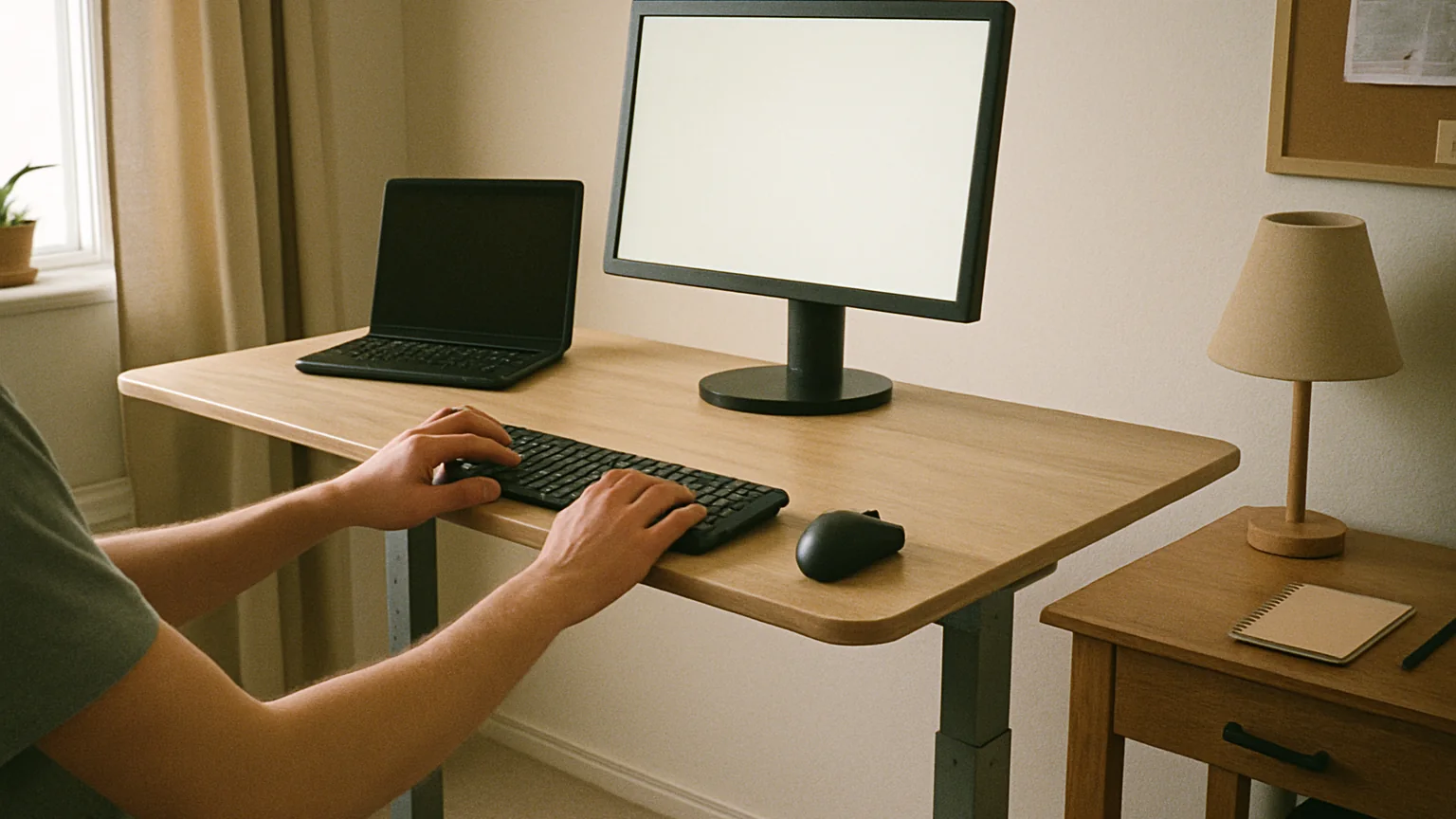
Why monitor and keyboard setup deserves its own pass
This supporting article focuses on how screen height, keyboard reach, and wrist angle change on an adjustable desk. Adjustable desks involve several small setup decisions, and separating one decision at a time keeps the main guide from becoming a noisy checklist.
Start with the ordinary workday
An adjustable height desk sounds like a simple upgrade: press a button, stand up, and feel better. In real rooms, the decision is more ordinary and more useful than that. The desk has to fit the chair, the monitor, the keyboard, the power strip, the work surface, and the way a person actually moves through a day. If those pieces are ignored, the standing feature becomes a novelty instead of a habit.
Measure body fit before style
I like to judge adjustable desks from the body outward. The first question is not whether the desk looks modern; it is whether the elbows can rest near a relaxed angle while typing, whether the shoulders stay low, and whether the screen can rise without forcing the chin up. A desk that gets those basics right will feel calmer after three weeks than a prettier desk with the wrong range.
Watch for movement at standing height
Stability is the second filter. A little movement is normal on many sit-stand frames, especially at full height, but constant wobble can make handwriting, video calls, and focused typing feel irritating. Desktop depth also matters because a shallow desk can push the monitor too close once a keyboard, notebook, lamp, and mug are in place.
Give cords room to travel
Cable control decides whether the desk remains pleasant. A standing desk moves, so cords need slack, clips, trays, or a clean path that follows the frame. Monitor arms, chargers, speakers, and docking stations should be planned before the room is finished. Otherwise every height change becomes a reminder that the setup was only designed for sitting.
Make the transition easy enough to repeat
The best adjustable height desk is the one that makes changing posture feel boringly easy. It should not require clearing the surface, unplugging gear, or thinking about where the chair goes. When the transition is quiet, the desk becomes part of the work rhythm instead of another office gadget asking for attention.
Practical checklist
- Measure the surface height you need while seated.
- Measure the height you need while standing in normal shoes.
- Check monitor distance and eye level at both heights.
- Plan power and cable slack before placing the desk.
- Leave space for the chair when the desk is raised.
When this issue is solved
Return to the main guide once this narrow question is clear. A good adjustable height desk decision is rarely one giant choice. It is a stack of small choices that make the daily movement feel smooth.
Do not let a showroom photo decide the whole setup. Picture the desk with a notebook open, a charger plugged in, a chair pulled back, and the monitor raised for a video call. That ordinary scene is where the desk proves whether it belongs in the room.
How this connects
Use this article as a filter, then go back to the main adjustable height desk guide for the complete fit and setup framework.
FAQ
Should this be decided before buying?
Yes, because the desk needs to fit your actual body, room, and equipment.
Does a premium desk solve this automatically?
Not always. Even strong desks can feel wrong if the measurements or cable path are ignored.
What should I write down?
Seated height, standing height, monitor depth, chair clearance, and cord locations.
Can a small office still use an adjustable desk?
Yes, but the room plan needs more attention to chair movement and cable routing.
What is the safe fallback?
Choose the desk that makes everyday transitions simpler, not the one with the flashiest surface.